
headphones
Background playback
Listen to music while using other apps or with your screen off.
Metrolist is a Google Play music and video app by MELOSTARA TECHNOLOGY LLC — not an open-source project. Background playback, lyrics, videos, podcasts — plus an equalizer and themes that follow the album.
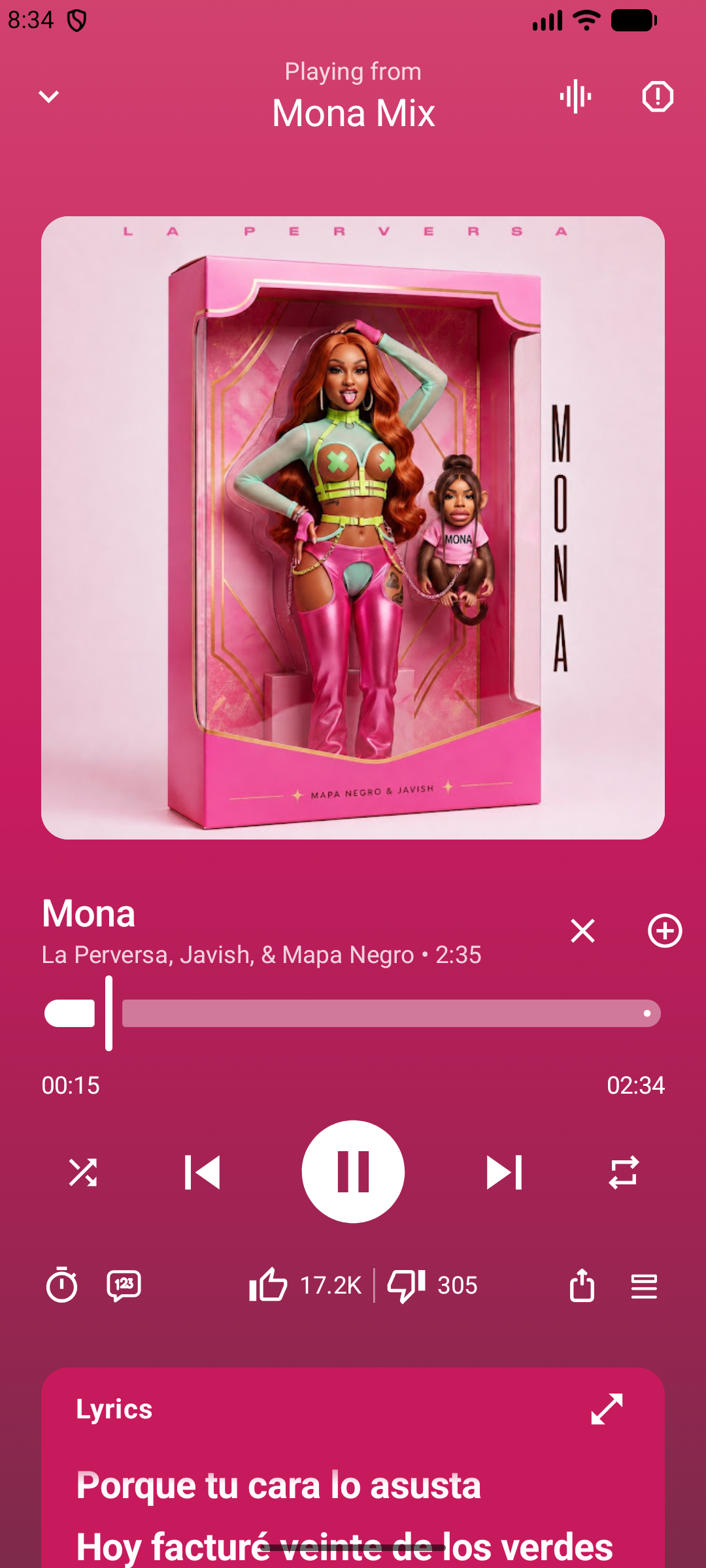
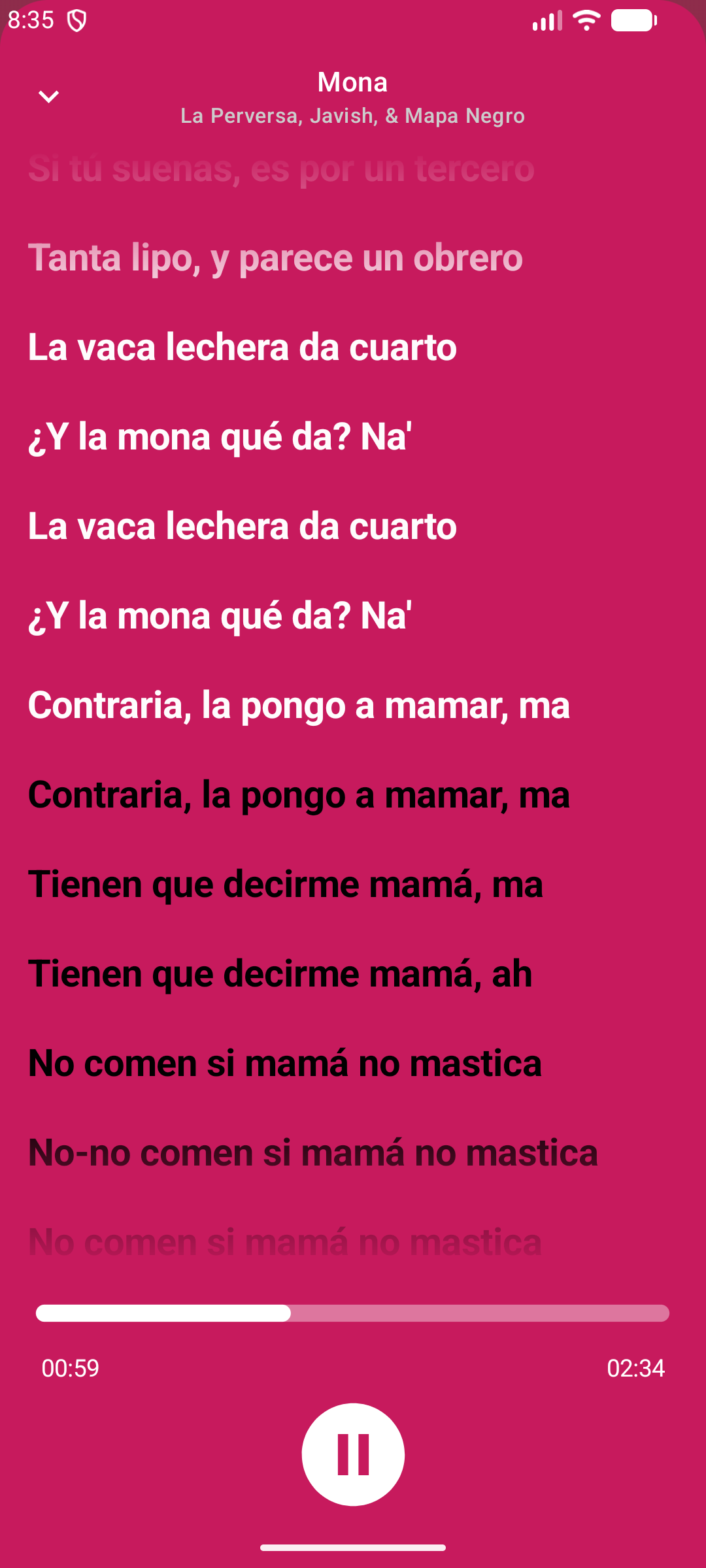
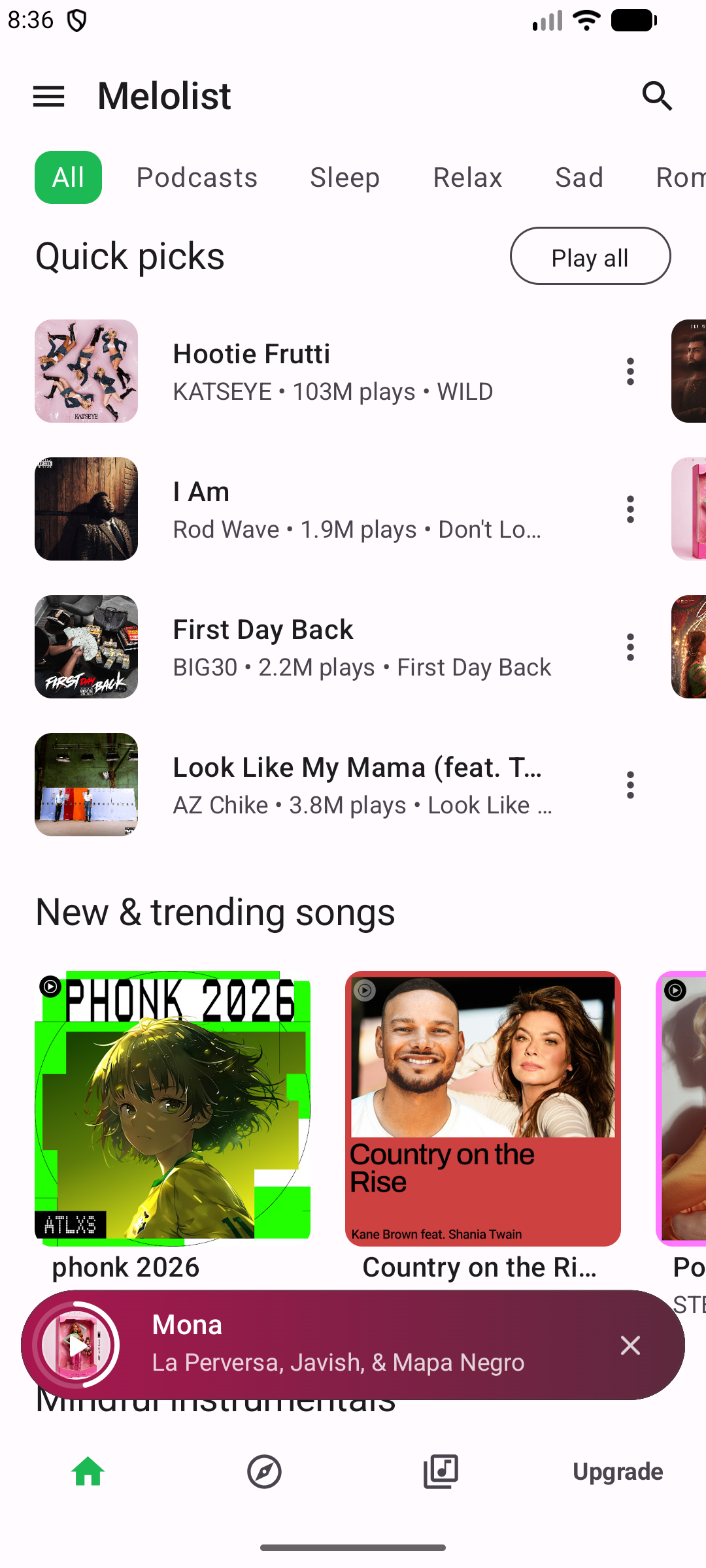
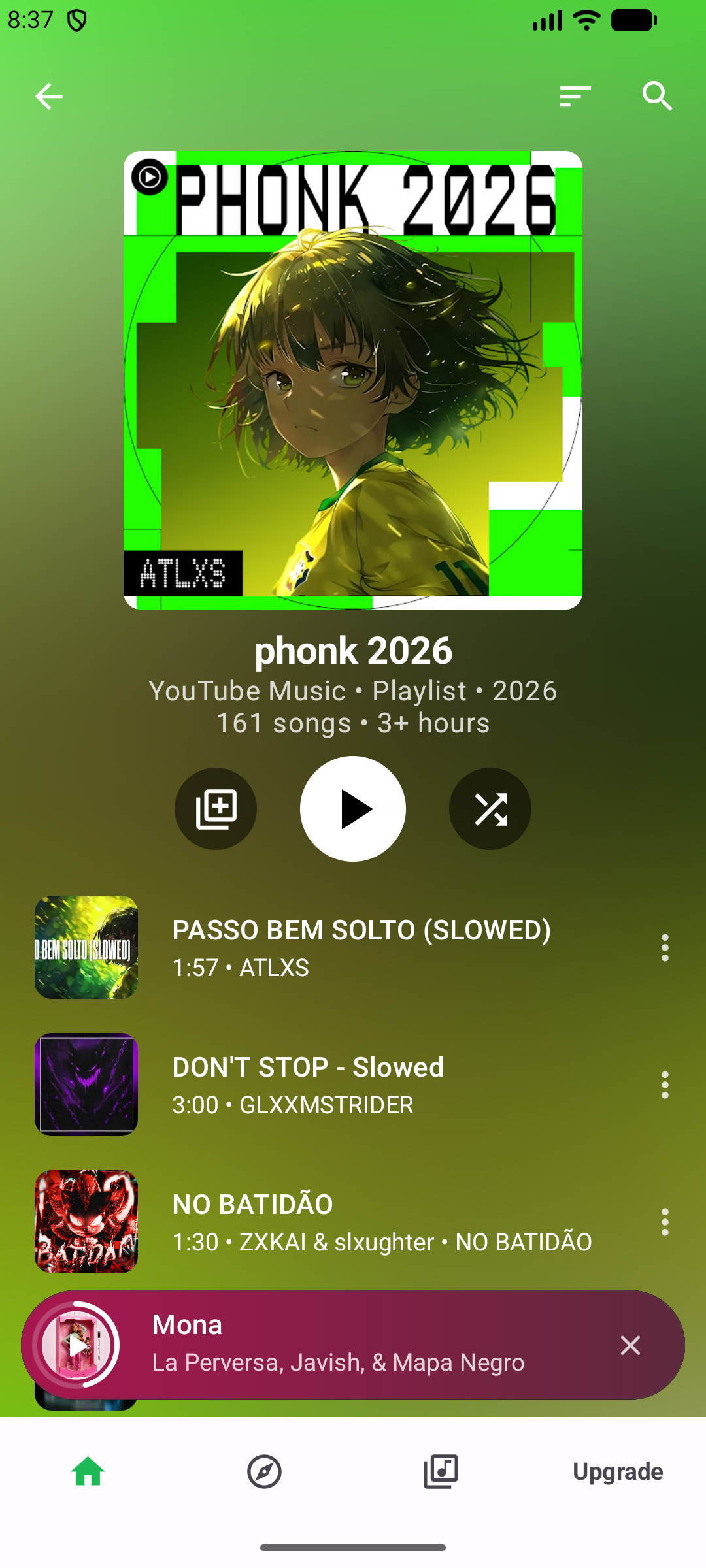
Listen, watch, organize, and take it on the road.
Listen to music while using other apps or with your screen off.
Follow along with lyrics while your favorite songs play.
Switch between audio and video experiences.
Create playlists and organize your favorite tracks, artists and albums.
Explore and enjoy your favorite shows.
Enjoy your music while driving.
Watch videos while multitasking.
Shape bass, mids, and treble so the mix matches your headphones, speakers, or taste.
Dynamic colors from album art, or a pure black mode for comfortable listening.
Playback, sound, themes, and where Metrolist works.
Metrolist is a Google Play music and video app by MELOSTARA TECHNOLOGY LLC. Official site: https://metrolist.us/. Features include background playback, synced lyrics, music videos, playlists, podcasts, Android Auto, picture-in-picture, an equalizer, and adaptive themes.
No. This Metrolist is a commercial Android app by MELOSTARA TECHNOLOGY LLC on Google Play. The project at metrolist.cc is a separate open-source YouTube Music client. They are not the same product. See the comparison.
Yes. Metrolist by MELOSTARA TECHNOLOGY LLC is at metrolist.us. Install it from Google Play. The open-source project is a different app at metrolist.cc.
No. Metrolist streams music, videos, and podcasts. Musicolet is a separate offline player by Krosbits for files already on your device. See Metrolist vs Musicolet.
No. Metrolist is a closed-source commercial app. You install it from Google Play and get a limited license to use it.
Yes. Metrolist keeps playing while you use other apps or turn the screen off.
Yes. You can follow along with synced lyrics while your favorite songs play.
Yes. Switch between audio and video, and use picture-in-picture to keep watching while you multitask.
Yes. Enjoy your music while driving with Android Auto support.
Install Metrolist from Google Play. Updates come from the store.